I'm getting an "Additional permissions required" error
Last updated: May 12, 2025
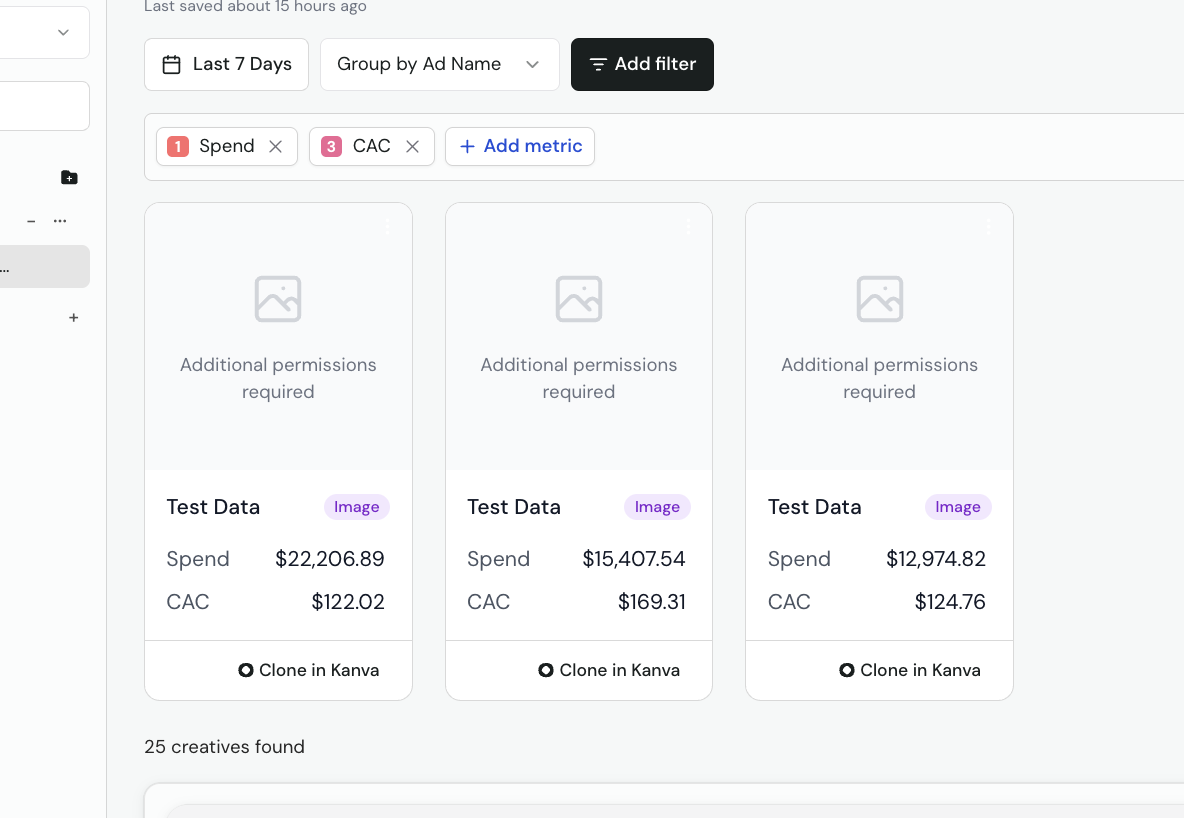
If you see a message saying "Additional permissions required" your Facebook profile that's connected to Icon is missing ad account access in the Meta Business Manager connected in Icon.
Here's how to fix it
Someone with full edit access in your Meta Business Manager needs to do the following:
Go to your Meta Business Manager
Navigate to Users > People
Find the Facebook profile connected to Icon in the list.
Click details then click manage on all accounts you want to give Icon access too
From there toggle on Full Control - Manage ad accounts and Icon will then have the necessary permissions to pull in your images
Once permissions are granted in Meta, give Icon a refresh or hit
Command + Shift + Rand you'll have full access in Icon- Creative Analytics!
Note: Reports created before completing these steps won’t reflect the new permissions. To apply them, duplicate an old report or create a new one.