How to remove a brand from Adspy
Last updated: April 5, 2025
Need to clean up your AdSpy and remove a brand you're no longer tracking? It's quick and easy to do.
Steps to Remove a Brand
Go to the "All Ads" tab in your AdSpy dashboard
Find and select the brand you want to remove from your list
Look to the right of the brand name where you'll see an X
Click the X to remove the brand
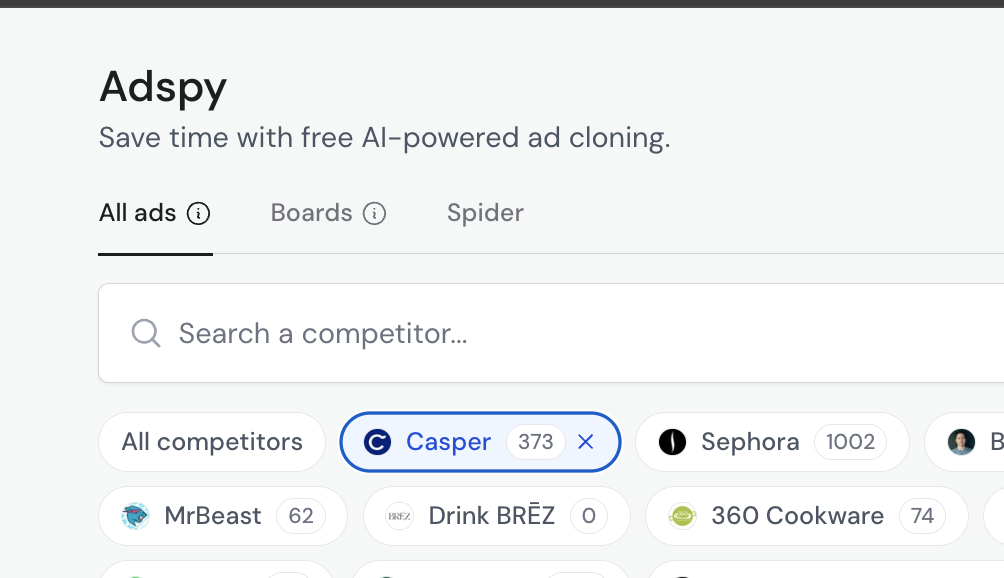
That's it! The brand and its associated ads will be removed from your AdSpy tracking.
Note: Removing a brand will delete it from your saved brands list, but you can always add it back later if needed by searching for it again.
Still Need Help?
If you're having trouble removing a brand or have any other questions about managing your AdSpy account, reach out to our support team.